

Download presentation slides here
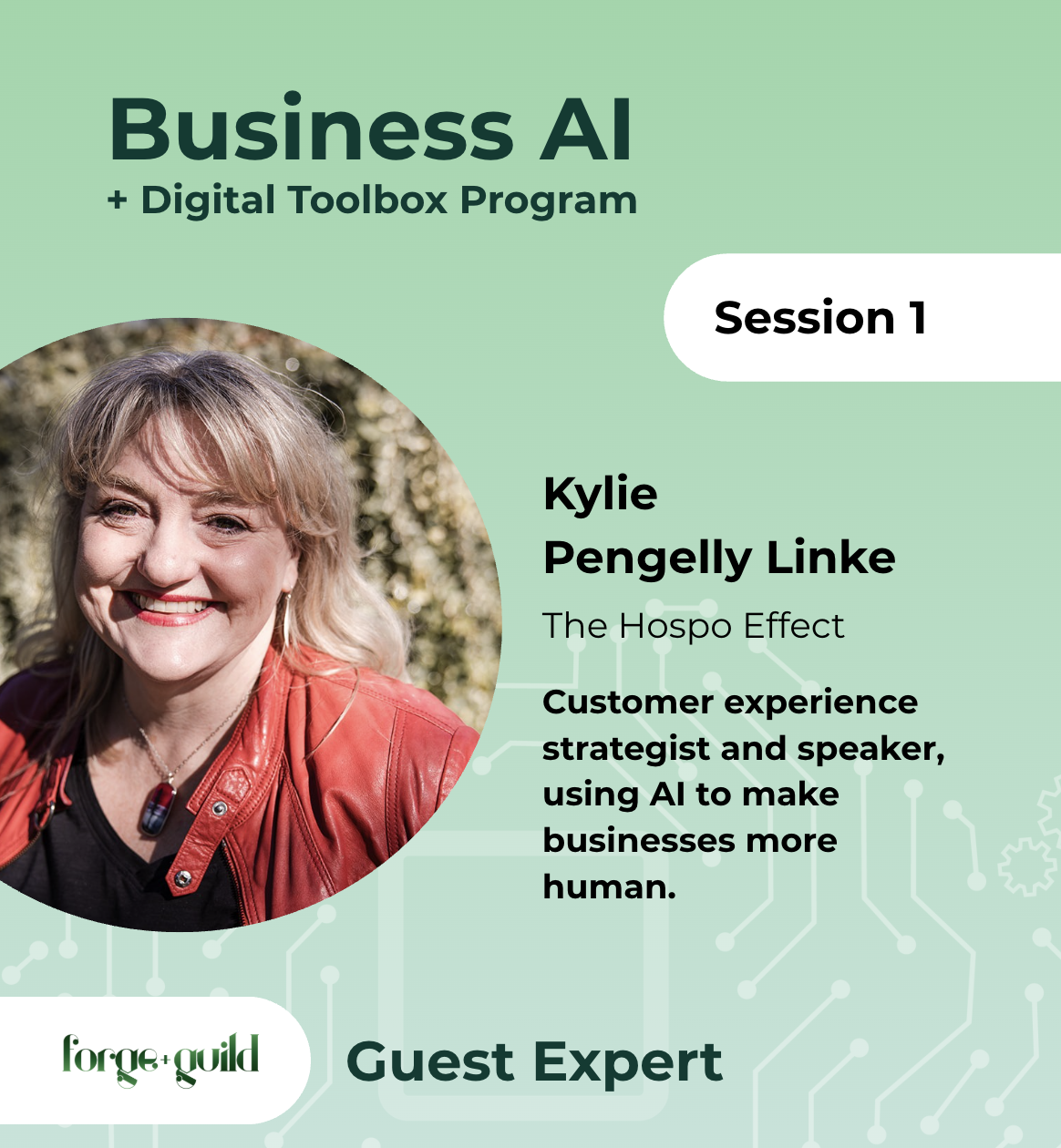
Six practical steps to help AI tools find, understand, trust and recommend your business. Written from our session AI Visibility for Small Business, Part One, presented by Kylie Pengelly-Linke.
More of your customers now ask ChatGPT, Claude, Gemini or Google’s AI Mode for a recommendation before they ever type a search. Being ranked on Google still matters, but it does not guarantee that an AI assistant will name you when someone asks for the best option in your town.
The good news: most of what helps AI recommend you is basic housekeeping, and none of it requires you to become a tech expert. The recording of the session and Kylie’s interactive checklist, complete with copy-and-paste prompts, sit alongside this article in the programme resources.
Why this matters now
AI search has gone mainstream quickly. Google reported that its AI Mode reached more than a billion users in its first year, and AI assistants now handle a growing share of the questions people used to put to a search engine.
The research on how closely AI recommendations follow Google rankings is still unsettled. Some studies find that most pages ChatGPT cites sit well outside Google’s top results; others find that strong Google rankings still give a page a clear advantage. Treat any single headline figure with caution. The practical conclusion holds either way: ranking well helps, but it is not enough on its own.
What the data does show clearly is that people are not abandoning Google. Similarweb measured roughly 95 per cent of ChatGPT users also using Google. So keep investing in your search engine optimisation. AI visibility is an addition to that work, not a replacement for it.
It is a clarity problem, not an AI problem
Kylie’s central point is simple. An AI assistant cannot recommend what it does not understand, and neither can a customer. As she put it, a confused mind says no.
AI tools build their picture of your business from everything they can find about you online. If your website says one thing, your Facebook page says another and an old directory listing has your previous phone number, the AI has no confident answer to give. So it gives someone else’s.
The six steps below sit in three buckets:
- Clear about who you serve and what you do
- Consistent in how you show up everywhere
- Confident, giving AI and customers proof that you deliver
Before you change anything, find out where you stand. Open the AI tool you use most, turn on web search if it has it, and paste in a prompt like this one:
Act as a customer looking for [what you sell] in [your town]. Search the web and tell me everything you can find about [business name]: what we do, who we serve, where we are, our opening hours, our contact details and what our reviews say. List the sources you used. Flag anything that looks inconsistent or out of date. Do not guess or fill gaps; if you cannot find something, say so.
The results can surprise you. One participant in an earlier session found that AI showed generic stock images rather than her own products. Note what is wrong or missing, work through the steps below, then run the prompt again.
1. Make your website headline do its job
The main heading on your home page, known in the code as the H1, is one of the first things search engines and AI tools read. Write it in under 12 words and make it say three things: what you do, who it is for and where you are.
For example: Woodfire pizza and local wine for families in the Clare Valley.
It does not have to be poetic, and it does not have to be the biggest text on the page. Your beautiful brand line can stay as the large, emotive headline. The H1 can sit above it in smaller type, as long as the code tags it as the H1.
Three further tips from our host:
- One H1 per page. The H1 tells AI what the page is about. Several H1s on one page muddy that signal.
- Consider writing some H1s as questions. A heading such as What can [your business] offer small businesses? mirrors the way people phrase questions to AI. This reflects our practical experience rather than published research, so test it on a page or two first.
- Check what your H1 actually is. In most browsers, right-click your main heading and choose Inspect. The panel that opens shows the tag. You want to see h1.
2. Line up your social media profiles
Check every profile you use, whether that is Facebook, Instagram, LinkedIn, TikTok or somewhere else. Use the platforms your customers use; there is no compulsory list.
On each one, make sure these match exactly:
- Your business name
- Your address, phone number and email
- Your profile image (your logo is the simplest choice)
- Your bio, adjusted only for each platform’s character limit
Check every detail with a fine-tooth comb, or better still, ask someone else to. Kylie described a client whose website listed street number 27 when the business sat at number 72. We read what we expect to see, not what is actually there.
Then test every link. Booking pages move, seasonal menus change and old links end in an error page. Broken links tell customers and AI alike that a business is not keeping up. Fix them or remove them.
3. Get listed on credible websites
Every accurate mention of your business on a trustworthy site reinforces what AI already knows about you. Good places to start:
- Local business directories and your council’s business listings
- Industry associations, many of which offer free member directories
- Clubs and community groups you sponsor; ask them to link to your website
- For tourism businesses, wineries, cellar doors and hospitality venues, the Australian Tourism Data Warehouse (ATDW), which distributes your listing to tourism websites across the country
The rule from step 2 applies here too: same name, same address, same details, everywhere.
4. Claim and maintain your Google Business Profile
Your Google Business Profile remains one of the easiest credibility wins available, and Google’s own AI features draw on it. If you have not claimed yours, do it now. If you have, give it some attention today:
- Add a few recent photos or a short post
- Confirm your opening hours, including any changes in the past year
- Check that every link works
One risk deserves a direct warning. Find out which email account owns your profile. Profiles are often set up by a former employee, a past contractor or a well-meaning friend. When that person moves on, you can lose access to one of your most important digital assets, and recovering it can be slow and tedious. If you are unsure who controls yours, bring it to a one-on-one session and we will help you work it out.
For a full walkthrough, watch our earlier session on optimising your Google Business Profile in the programme resources.
5. Build a simple habit of asking for reviews
Reviews give both customers and AI the confidence to choose you. Most happy customers never think to leave one, so make asking easy and routine:
- Display a QR code that links straight to your Google review page
- Include a review link in your follow-up or thank-you email
- Ask in person, at the moment a customer tells you they have enjoyed the experience
Keep it honest. Never offer a discount, gift or other incentive for a review; Google’s policies prohibit it and it risks misleading consumers under Australian Consumer Law. Google also prohibits selectively asking only the customers you expect to be happy, so build the habit of asking everyone.
When a customer says something lovely unprompted, ask whether you can quote them. Most people say yes.
Respond to every review. Thank people for positive ones with a short, personal reply. For a negative review, resist the urge to argue. Invite the person to contact you directly by phone or email so you can sort it out. Most will never take you up on it, but every future reader sees a business that cares and wants to fix problems. A weekly ten-minute check is enough.
6. Answer the questions customers actually ask
An FAQ section gives AI tools ready-made answers to the questions people put to them. It does not need its own page. A clearly headed FAQ section at the bottom of a booking, services or contact page works well. Many WordPress themes and page builders include a dedicated FAQ block that structures the content neatly.
The best questions are not the ones you wish customers asked. They are the ones you and your team answer on repeat: parking, opening hours, how to book, what is included, whether you cater for dietary needs. Write down the five you hear most, then use AI to help tighten your answers so they are clear and concise.
Keep the human in charge
Every prompt in Kylie’s checklist exists to save you from a blank page, not to make decisions for you. AI tools still invent things. Tell them explicitly not to make anything up, and to ask you questions when they lack information.
If AI produces something that does not sound like you or does not feel right, change it or delete it. You know your business. The AI is your assistant: you brief it, you check its work and you decide what goes out.
Bonus: let AI audit your consistency for you
If you use an AI assistant that works inside your browser, such as Claude in Chrome or Gemini in Chrome, open your own website and ask it to look for inconsistencies. In our live demonstration, a simple request surfaced wording that read as contradictory to AI and service areas that changed from page to page. Neither was obvious to a human reader.
Useful requests to try:
- Review this website and list any inconsistent information between pages.
- Check that our contact details match across every page.
- Search the web for listings of our business and flag any with outdated or conflicting details.
- Check each page for more than one H1 heading.
It takes a few minutes and replaces hours of manual checking. Review its findings before you act on them.
Keep your content fresh
AI tools appear to favour sites that update regularly, so a blog or news section that you add to consistently helps your visibility. You can use AI to draft posts, but content written in your own voice and grounded in your own experience gives AI, and your customers, something they cannot get anywhere else.
A note on measurement: tools that show which AI searches send people to your website exist, but they are currently priced for larger operators and agencies. For most small businesses, rerunning the prompt from the start of this article every few months is the most practical way to track progress.
What comes next
This session looked at what AI sees from the outside. Part Two (November 9) turns inward: who your ideal customer is, how your business sounds and what experience you promise. Getting clear on those foundations sharpens everything above, so expect to revisit your headline, bios and FAQs afterwards.
If you are a participant in the Business AI + Digital Toolbox programme, you are eligible for a free one-on-one session. A limited number of places remain before the programme wraps up in January. Bring any AI or digital question, including the ones that are not about AI at all. Many participants discover they need to get a few foundations in place first, and we can help with that too.